
 |
| Image: Nextpit |
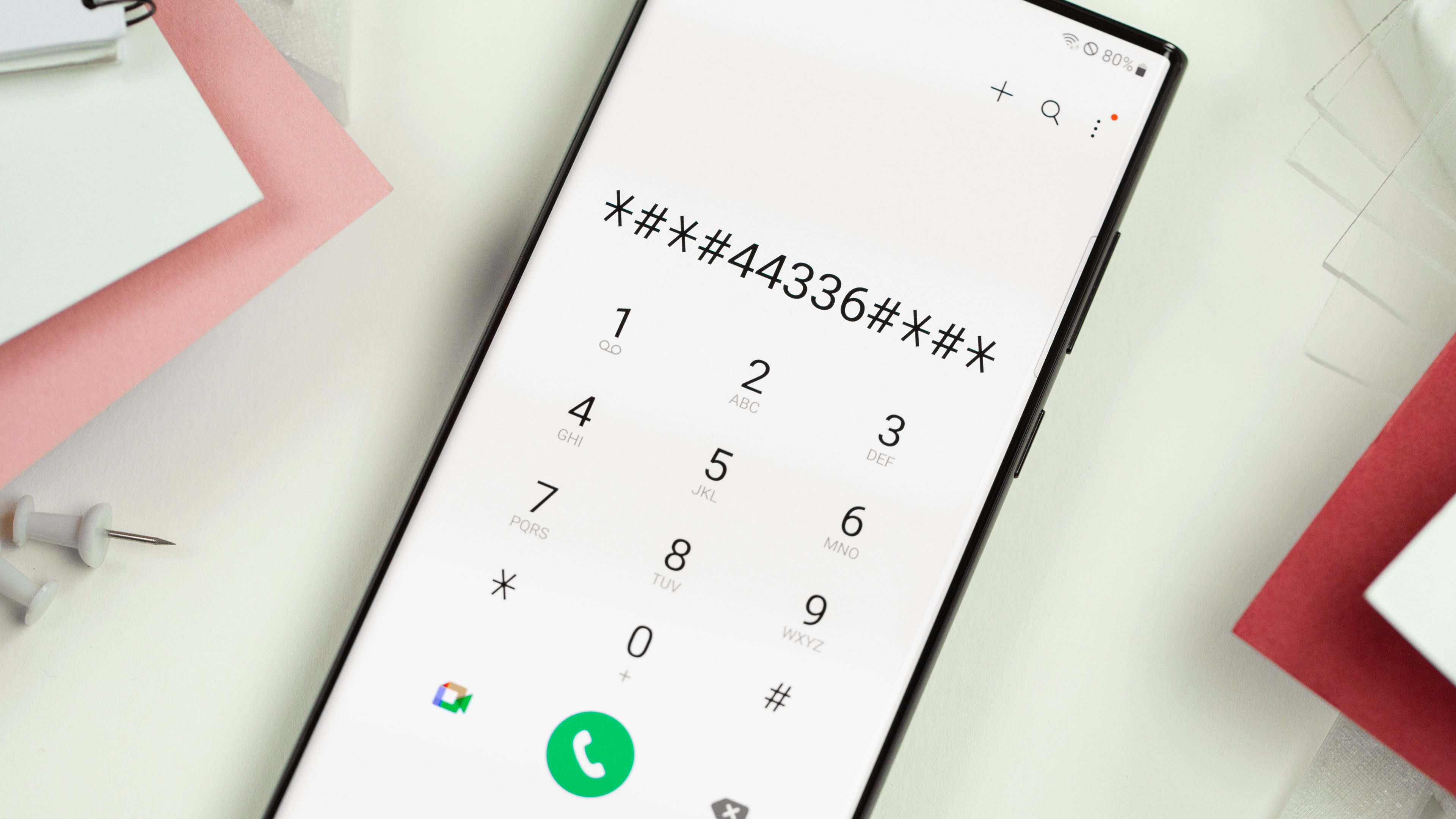
MMI codes, which stand for Man-Machine Interface codes, are special sequences of numbers, symbols, and sometimes even letters that you can enter on your phone's dial pad to access various hidden features and functions. Think of them as secret shortcuts to control your phone or interact with your mobile network operator.
Here are some key things to know about MMI codes:
- Format: They typically start with a star (), end with a pound (#), and have numbers and symbols in between. For example, the popular code #06# displays your phone's IMEI number.
- Functions: The range of functions is vast, from checking your account balance and call history to activating call forwarding, deactivating services, and even testing network signal strength.
- Specificity: MMI codes are often specific to your phone model and mobile network operator. What works on one phone or network might not work on another.
- Caution: Use MMI codes with caution, as some can have irreversible consequences like changing important settings or incurring unexpected charges.
Here are some examples of commonly used MMI codes:
- Check your phone's IMEI number: *#06#
- Check your account balance: *123# (varies by network operator)
- Activate call forwarding: 21forwarding number# (varies by network operator)
- Deactivate call waiting: *#43# (varies by network operator)
- Check your network signal strength: *3001#12345# (may not work on all phones)
Important tips:
- Always double-check the MMI code before entering it, as entering an incorrect code could have unintended consequences.
- If you're unsure about a specific code, consult your phone's manual or contact your mobile network operator for assistance.
- Be aware that some MMI codes may incur charges, so it's best to use them with caution, especially if you're on a limited data plan.
We hope this explanation gives you a good understanding of what MMI codes are and how you can use them on your phone. Remember, they can be a powerful tool for accessing hidden features and managing your mobile account, but use them wisely!
MMI Codes for Android Phones:
| Category | Code | Function | Notes |
|---|---|---|---|
| General Information | *#06# | Check IMEI | |
| ##4636## | View battery information | ||
| ##44336## | View build information | ||
| ##1234## | View software version | ||
| ##225## | Show calendar storage info | ||
| *#07# | Display SAR values | ||
| Network and Connectivity | *3001#12345# | Check signal strength | May not work on all devices |
| 21 |
Activate call forwarding | Varies by carrier | |
| *#43# | Deactivate call waiting | Varies by carrier | |
| *67# | Check call history | ||
| Testing and Diagnostics | ##7780## | Enter service mode (caution!) | Can reset your device |
| ##1472365## | Test GPS | ||
| ##7728## | Test speaker and vibrator | ||
| ##232337## | View Bluetooth address | ||
| Hidden Features | ##7594## | Change power button behavior | May not work on all devices |
| ##8351## | Enable call recording (may not work) | May not be legal in all regions | |
| ##8350## | Disable call recording |
Important notes:
- These are just a few examples, and not all codes will work on all Android phones.
- Be cautious when using MMI codes, as some can have unintended consequences.
- Some codes may incur charges, so check with your carrier before using them.
- If a code doesn't work, consult your phone's manual or search online for specific codes for your device model and carrier.
in
Android